
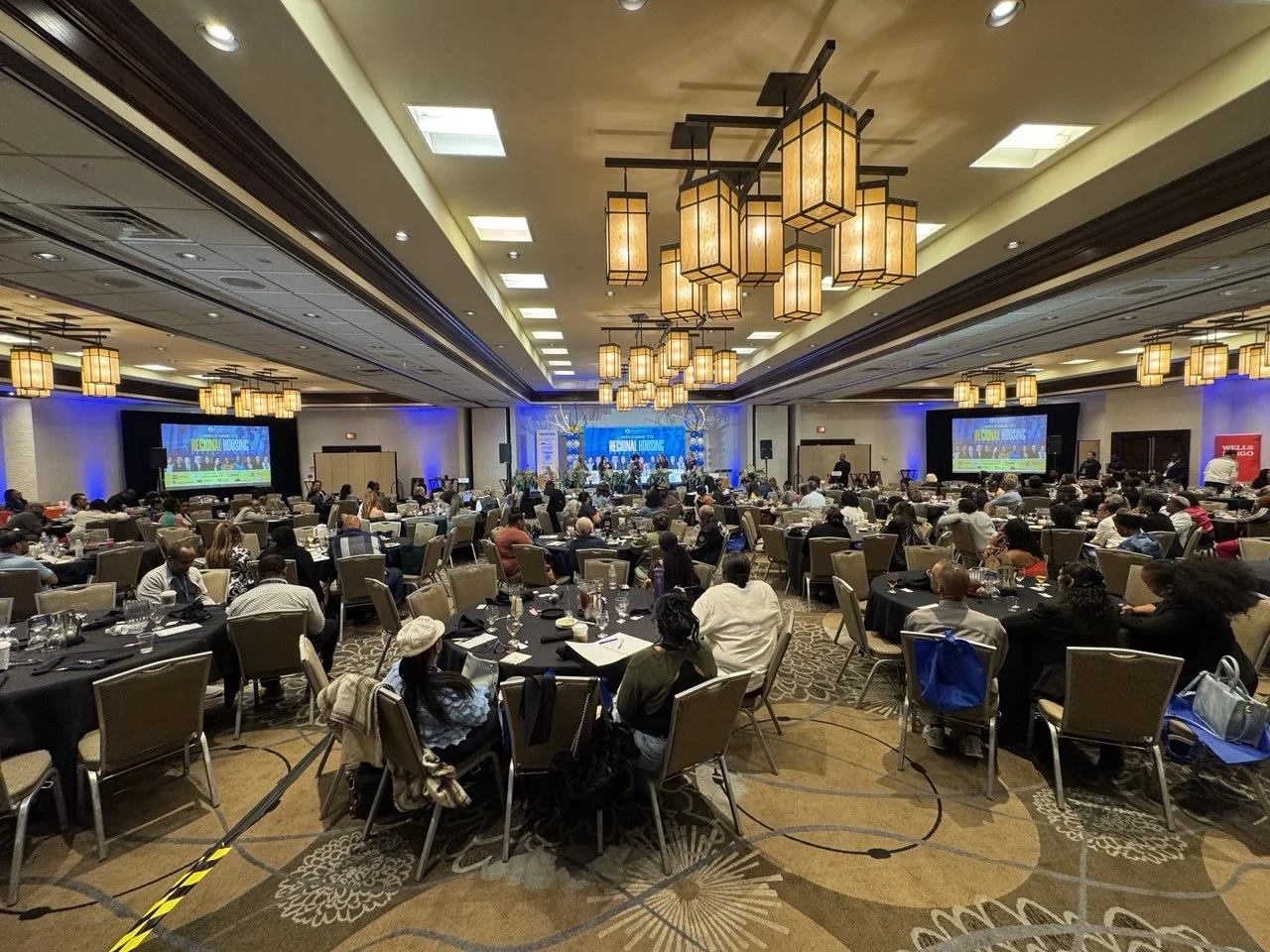
An LED wall is a long-term investment, and a little routine care keeps it bright, even and reliable for years. Most problems we are called about, such as a dark module, a flickering section or uneven color, are easier to prevent than to fix. This guide covers the simple maintenance every owner should plan for, whether the wall is in a church, a lobby, a venue or a studio.
Daily and weekly habits
- Power on and off in the right order. Turn on the power to the panels before the video processor sends a signal, and turn the processor off last. Many installations use a power sequencer so this happens automatically.
- Avoid leaving bright still images on for days. Use a screensaver, a dark background or a schedule so the wall is not running full white when nobody is watching.
- Keep brightness sensible. Indoor walls rarely need full brightness. Running at a lower level is easier on the eyes and helps the LEDs age evenly.
- Look for problems early. A quick test pattern of solid white, red, green and blue makes dead pixels, dark modules or color shifts easy to spot.
Cleaning
Dust builds up on the face of the panels and in the cooling paths behind them. Turn the wall off, then dust the surface gently with a soft, dry brush or microfiber cloth. Do not spray liquid onto the panels, do not press hard on the LEDs, and do not use solvents. Fine-pitch SMD panels are especially delicate, because individual LEDs can be knocked off by a hard wipe. COB and MIP panels have a protective surface and are more forgiving. Keep vents and the space behind the wall clear so heat can escape.
Heat, humidity and power
Electronics last longest when they stay cool and dry. Make sure the room is ventilated or air-conditioned, and that nothing blocks airflow around the wall. If the wall sits unused for weeks in a humid space, run it for a while at low brightness before an event to drive off moisture. Use clean, properly sized power circuits, ideally on dedicated breakers, and protect the processor with a surge protector.
Outdoor walls
Outdoor panels are sealed against rain, but seals, cable connectors and drainage paths should still be checked a few times a year and after storms. Clear leaves and debris from the structure, check for corrosion on mounting hardware, and confirm the wall is still level and secure.
Spare modules and parts
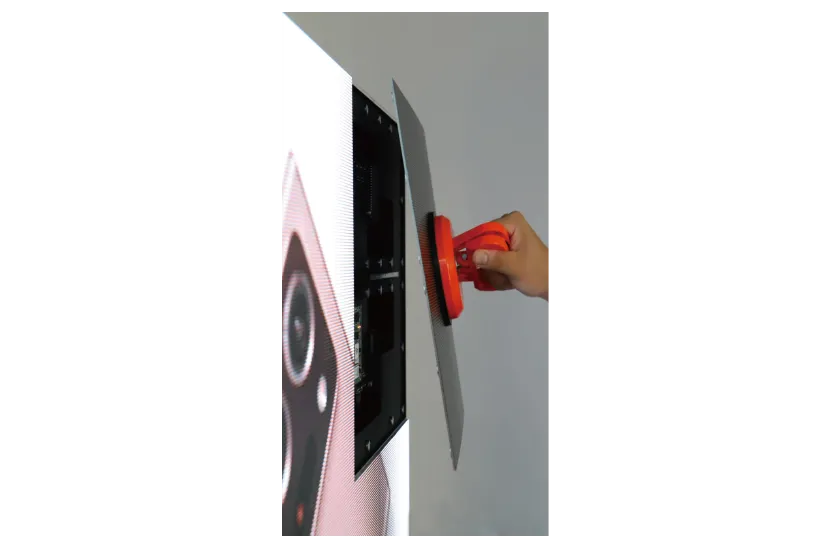
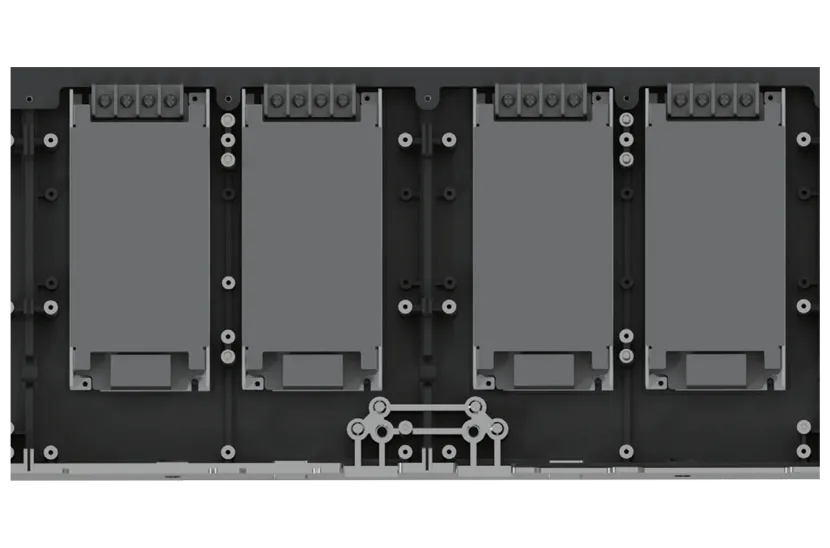
LED modules are made in production batches, and modules from a different batch can look slightly different in color or brightness. That is why we recommend buying spare modules, power supplies and receiving cards with the original order and storing them indoors. If a module fails, it can be swapped in minutes, from the front or the back depending on the panel design, and the new one will match. See our LED screen buying guide for how LED binning and other components affect quality.
Processor and calibration
Keep the video processor’s configuration file backed up, so the wall can be restored quickly after a hardware change. Update firmware only when there is a reason to and during a quiet week, not before a big event. Over time, LEDs age at slightly different rates. Many processors, including NovaStar systems, support calibration that evens out brightness and color across the wall.
A simple maintenance schedule
- Before every use: quick test pattern and visual check.
- Monthly: dust the surface, check vents and cable connections.
- Every 6 to 12 months: inspect mounting, power and data cabling; check outdoor seals; back up the processor settings.
- As needed: swap failed modules with matching spares, recalibrate if sections look uneven.
When to call for service
If several modules fail together, a whole section goes dark, the image tears or flickers, or panels get hot to the touch, turn the wall off and have it checked. These usually point to a power supply, a receiving card or a data cable, not the LEDs themselves.
We install and service LED walls across Southern California, and every LED wall package we sell includes a matched NovaStar processor, mounting hardware and cables. Browse our LED screens, read how much an LED wall costs, or contact us about service for an existing wall.