
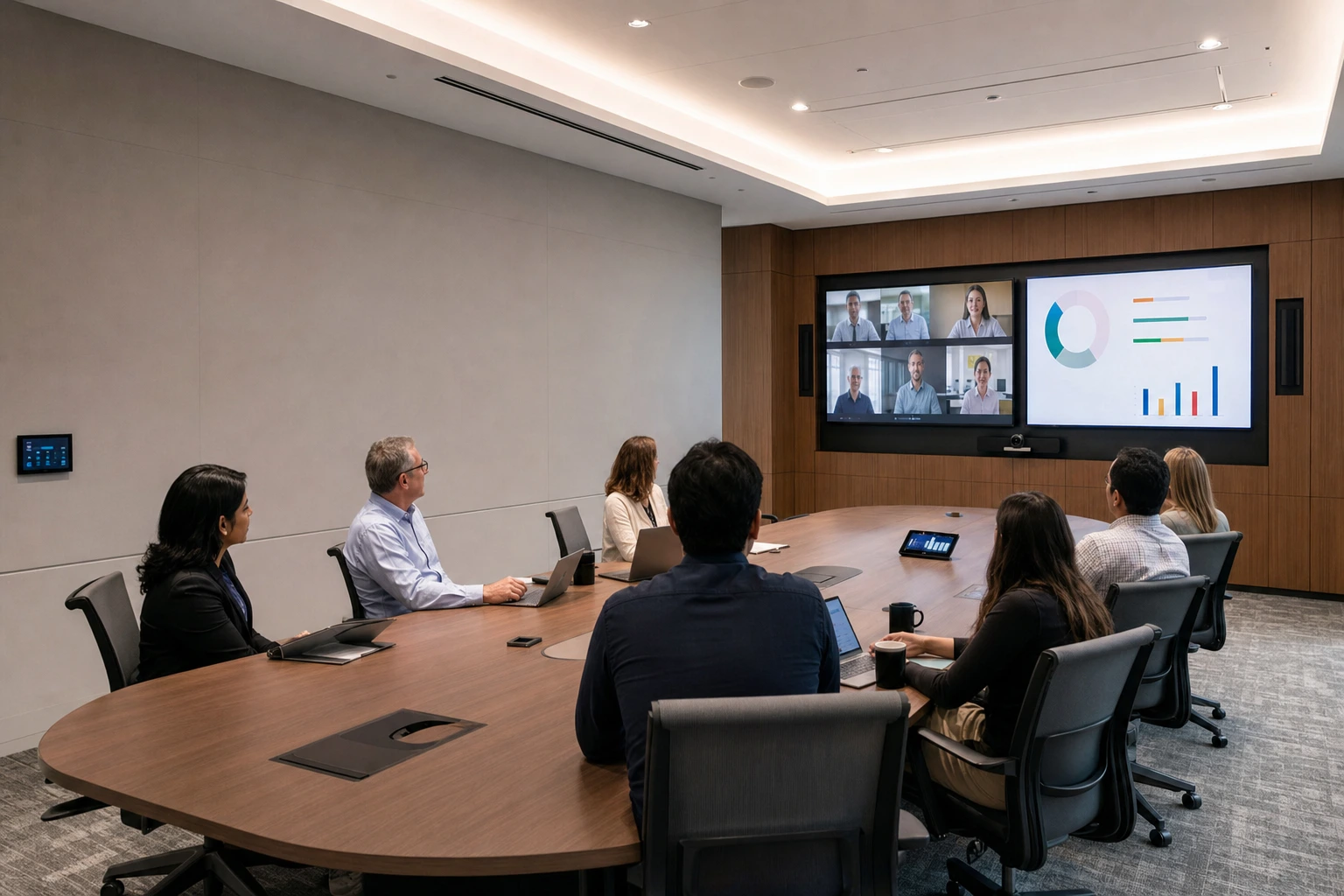
Most conference room complaints are the same everywhere: the far end cannot hear, the laptop will not connect, the camera shows half the table, and the meeting starts ten minutes late. A well-designed conference room fixes all of these. This guide covers what goes into a conference room AV installation and the decisions to make before you buy anything.
Decide how the room will be used
Start with the meetings, not the equipment:
- How many people sit in the room, and how is the table laid out?
- Is the room mainly for video calls, in-room presentations, or both?
- Which platform does your company use, such as Microsoft Teams, Zoom or Google Meet?
- Will people bring their own laptops, or should the room have its own built-in system?
A huddle room for four people and a boardroom for twenty need very different systems, even if both use the same software.
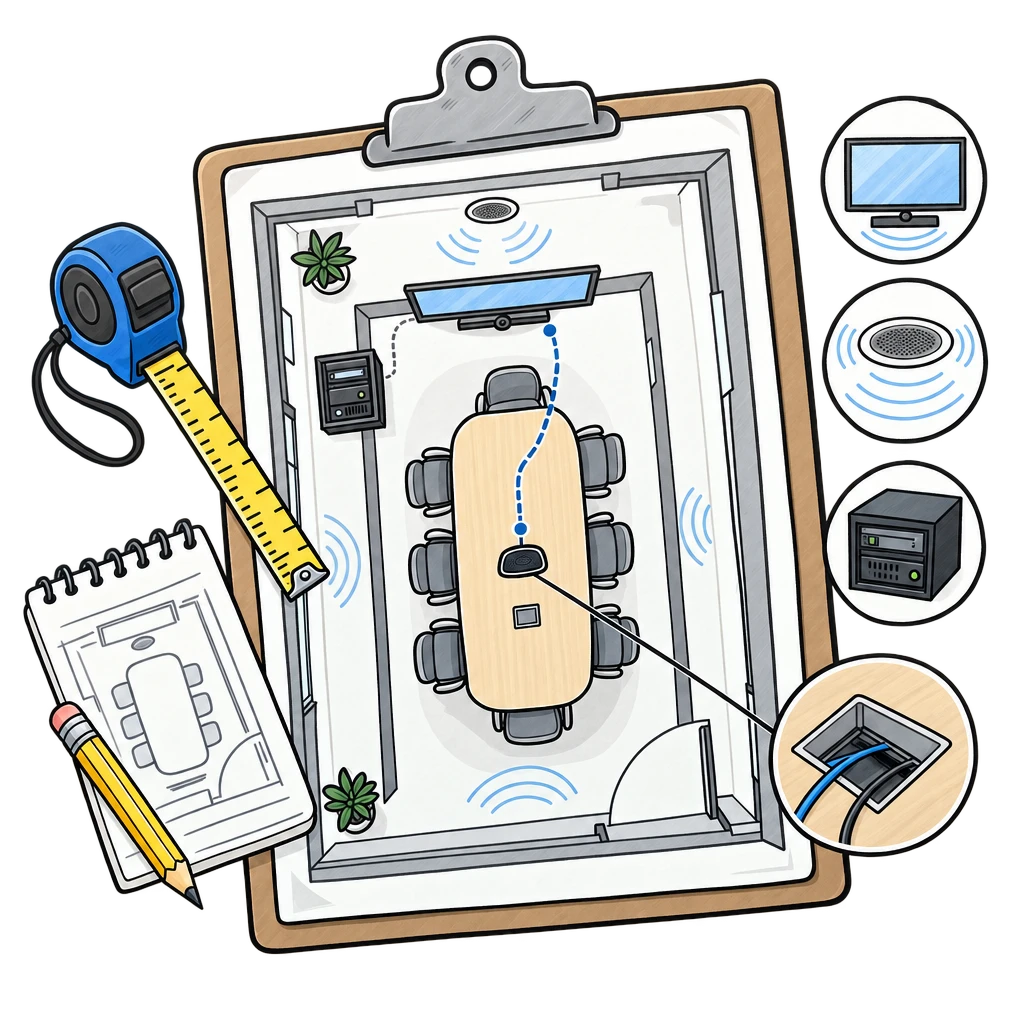
Room system or bring your own device?
A dedicated room system, such as Microsoft Teams Rooms or Zoom Rooms, has its own computer and a touch panel on the table, so anyone can start a meeting with one tap. A bring-your-own-device (BYOD) room lets people connect a laptop with one cable or wirelessly, and their laptop runs the call using the room’s camera, microphones and speakers. Many rooms support both.
Displays
Pick a display size people can read from the farthest seat. A common rule of thumb is that the farthest viewer should be no more than about four to six times the height of the image away for detailed content like spreadsheets. Dual displays let people see participants and shared content at the same time. Large boardrooms and training rooms can use a fine-pitch LED wall, which has no bezels and stays bright in daylight. See our LED screens for options.
Cameras
A camera should show everyone at the table, at eye level, without people having to lean in. Small rooms often use a wide-angle video bar. Larger rooms use one or more PTZ cameras with auto-framing or speaker tracking, so the far end sees whoever is talking.
Audio: the part that makes or breaks the room
Remote participants judge a meeting mostly by how well they can hear. Ceiling or table microphones should cover every seat, and a digital signal processor (DSP) with acoustic echo cancellation stops the far end from hearing themselves. Ceiling speakers spread sound evenly so everyone hears the call at a comfortable level. Hard rooms with glass walls benefit from acoustic panels. Our article on corporate conference audio setup goes deeper on this.
Connectivity and control
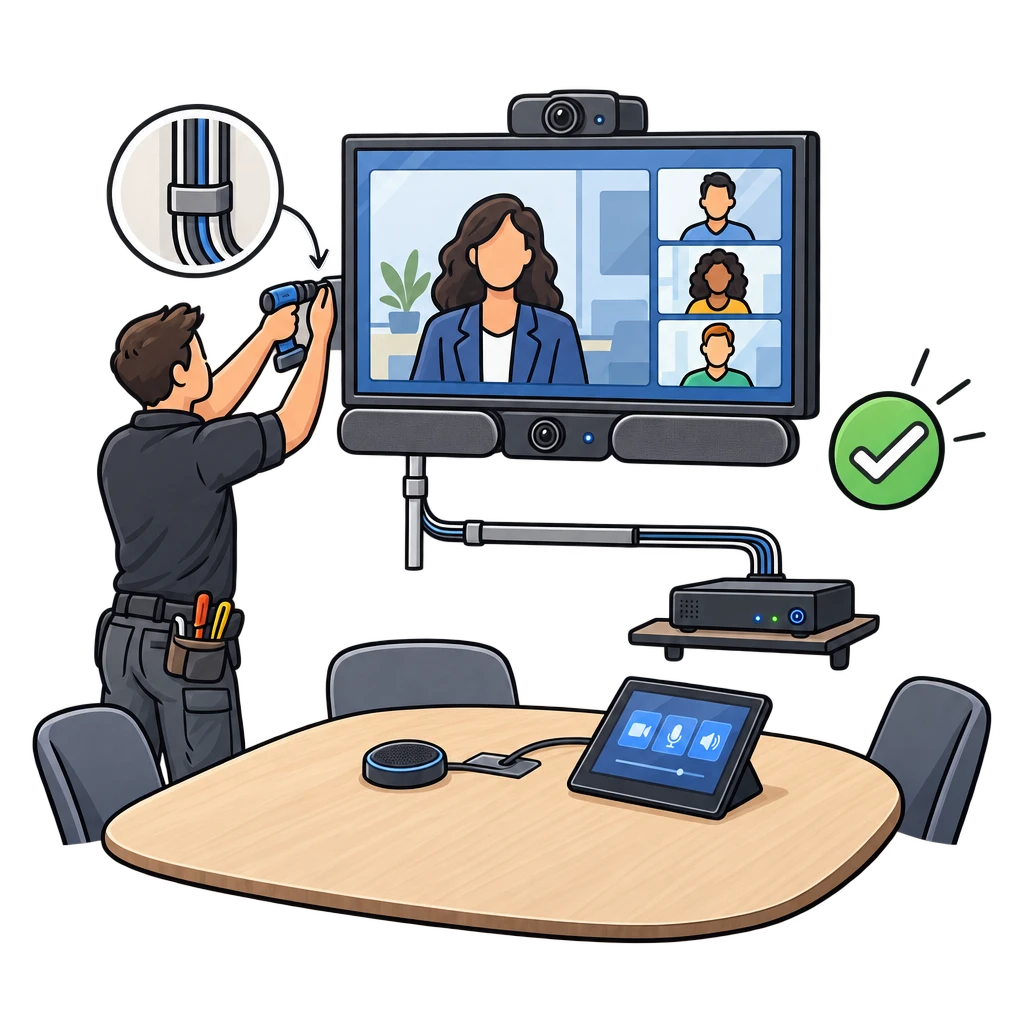
Plan table connections or wireless presentation, enough network ports, and a wired network connection for the room system. A simple control panel that turns the room on, selects sources and adjusts volume keeps meetings from starting with a hunt for remotes. Cable runs, power and mounting should be planned before the room is finished, because they are much harder to add later.
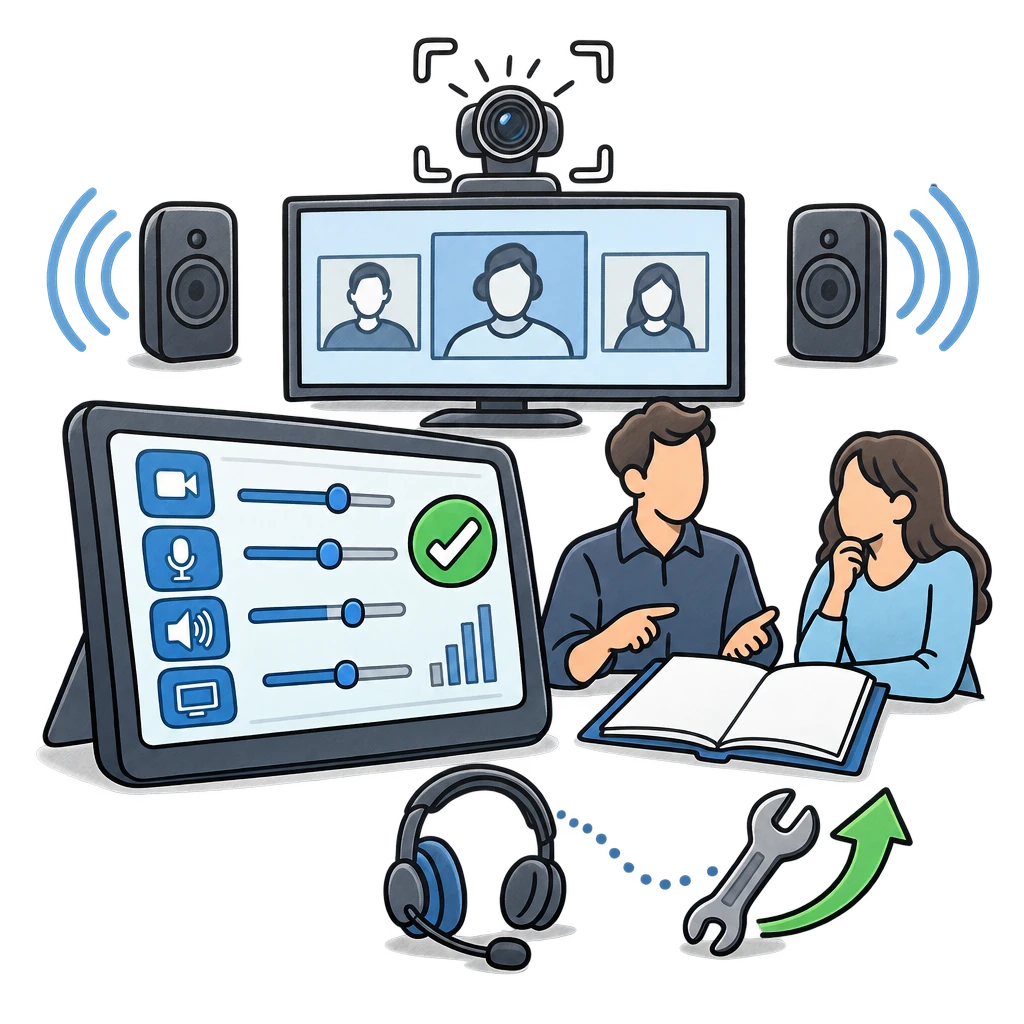
Installation checklist
- Display size based on the farthest seat
- Camera that frames the whole table
- Microphones covering every seat, with echo cancellation
- Even speaker coverage
- One-touch start for the meeting platform you use
- Simple laptop connection, wired or wireless
- Clean cable management, power and network in the right places
- Testing, training and a quick-start card on the table
Plan it once for every room
If you are fitting out several rooms, standardize on a few room sizes so every room works the same way. Users learn one system, and IT supports one setup. We design and install conference room AV and commercial audio-video systems across Southern California. Request a free site survey and we will walk your rooms and recommend a setup for each.