Corporate conferences fail for one reason more than any other: people can’t hear clearly.
Bad audio doesn’t just annoy attendees—it makes speakers sound unprepared, presentations feel disorganized, and the entire event look unprofessional. Unlike visuals, audio problems are immediate and impossible to ignore.
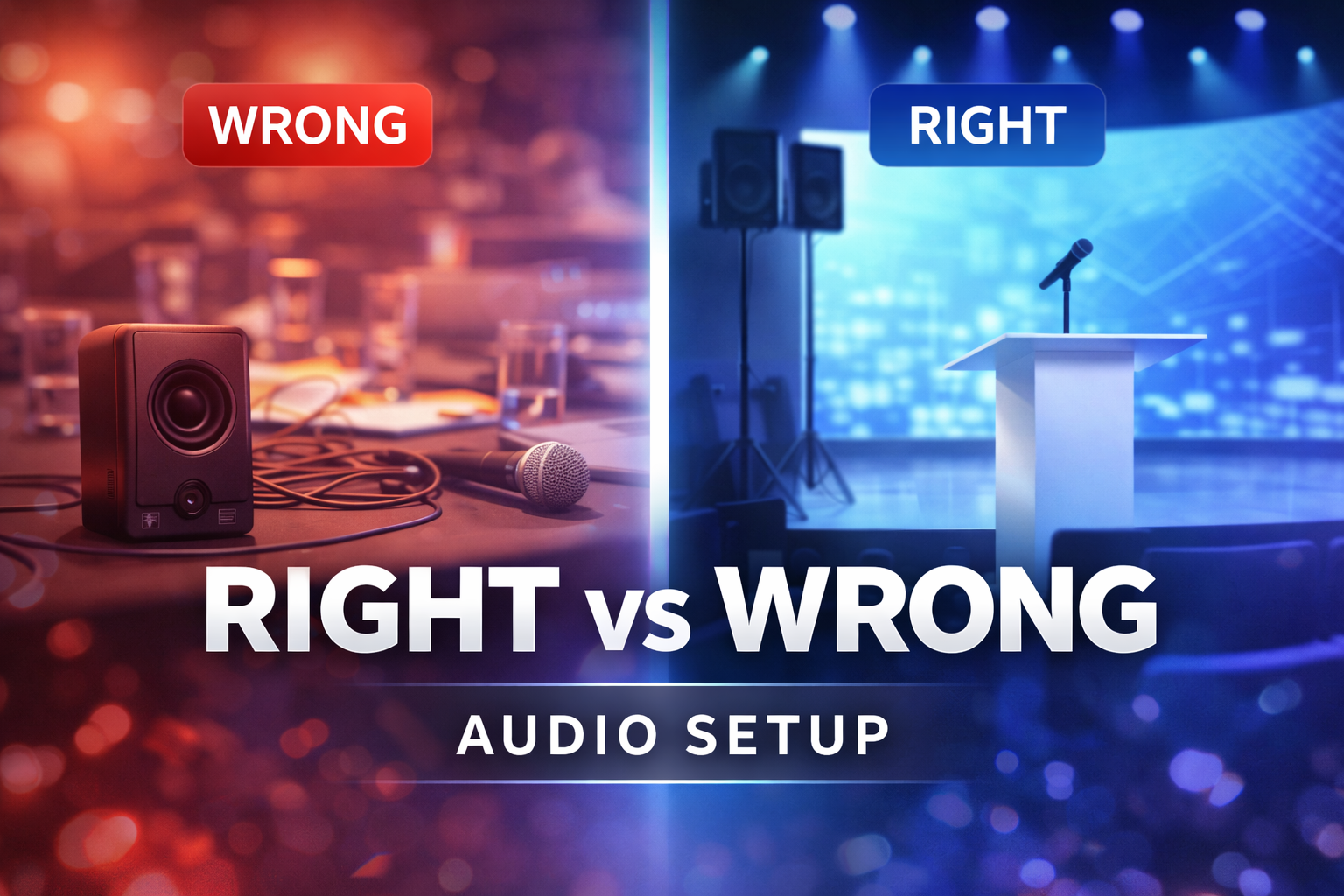
Choosing the right audio setup for a corporate conference isn’t about renting bigger speakers. It’s about designing a system that delivers clear, consistent speech to every seat in the room.
This article explains how professional teams approach conference audio, what most planners get wrong, and how to choose an audio setup that actually works.
Table of Contents
ToggleWhy Conference Audio Is Different from Live Event Audio
One of the most common mistakes is treating corporate conferences like concerts.
They are not the same.
Conference audio priorities are:
- Speech intelligibility, not volume
- Even coverage, not loud front rows
- Zero feedback and distractions
- Seamless microphone switching
- Clean integration with presentation systems
A system designed for music can sound impressive and still fail completely for spoken content.
Start with the Room, Not the Equipment
Professional audio planning always begins with the room.
Key factors include:
- Room size and ceiling height
- Seating layout and audience density
- Wall and ceiling materials
- Ambient noise levels
- Stage position and screen placement
A ballroom, conference hall, and boardroom all require different audio approaches—even with the same number of attendees.
Ignoring room acoustics is how audio setups fall apart.
Choosing the Right Speakers for Conferences
Conference speakers are chosen for clarity and coverage, not raw power.
What matters:
- Speaker placement relative to the audience
- Even sound distribution across the room
- Proper speaker height and angle
- Avoiding hotspots near the stage
Common mistake:
Using a few powerful speakers near the stage and assuming they’ll cover the room evenly. They won’t.
Professionally designed systems often use distributed speakers or carefully aimed arrays to maintain consistent sound levels throughout the space.
Microphones: Where Most Problems Start
Microphones are the most failure-prone part of conference audio.
Common Conference Microphone Types
- Wireless handheld microphones for Q&A
- Lavalier microphones for presenters
- Headset microphones for keynote speakers
- Podium microphones for panels
What planners often overlook:
- RF interference in busy venues
- Incorrect microphone placement
- Poor gain structure
- Feedback risk with inexperienced speakers
Professional setups include frequency coordination, backup microphones, and on-site monitoring to prevent dropouts and feedback.
Mixing Consoles and Audio Control
A conference audio system is only as good as its control.
Professional conferences use digital mixing consoles that allow:
- Fast microphone switching
- Precise control over speech clarity
- Compression and EQ tailored for voice
- Quick adjustments during live sessions
Relying on “set it and forget it” audio is risky. Conferences are dynamic, and audio must adapt in real time.
Speech Intelligibility Is the Real Goal
Volume alone does not equal clarity.
Speech intelligibility depends on:
- Proper EQ to enhance vocal frequencies
- Controlled dynamics so speakers don’t fade in and out
- Minimizing room reflections and echo
- Avoiding excessive low-frequency buildup
If attendees have to strain to understand speakers, the audio setup has failed—regardless of how expensive the equipment is.
Integrating Audio with Video and Presentations
Modern conferences rely heavily on screens, presentations, and video playback.
The audio system must integrate cleanly with:
- Presentation laptops
- Video playback systems
- LED screens or projection
- Video conferencing platforms
Poor integration leads to mismatched audio levels, delayed playback, and awkward transitions between speakers and media.
Common Corporate Conference Audio Mistakes
These issues appear at conferences far too often:
- Underpowered or poorly placed speakers
- Too few microphones for the format
- No backup microphones or batteries
- Feedback during presentations
- No audio technician monitoring the system
Most of these problems are preventable with proper planning.
How Professionals Design Conference Audio Systems
Experienced audio teams start by asking:
- How many speakers will present?
- Will there be panels, Q&A, or audience participation?
- How long will microphones be in use?
- What content will be played through the system?
- What are the room’s acoustic challenges?
Only after answering these questions is the audio system designed.
This approach ensures consistency, clarity, and reliability throughout the event.
Final Thoughts
A successful corporate conference depends on how clearly the message is delivered.
The right audio setup:
- Makes speakers sound confident
- Keeps audiences engaged
- Prevents distractions and delays
- Reinforces a professional brand image
When audio is treated as an afterthought, conferences suffer. When it’s engineered correctly, it becomes invisible in the best possible way.