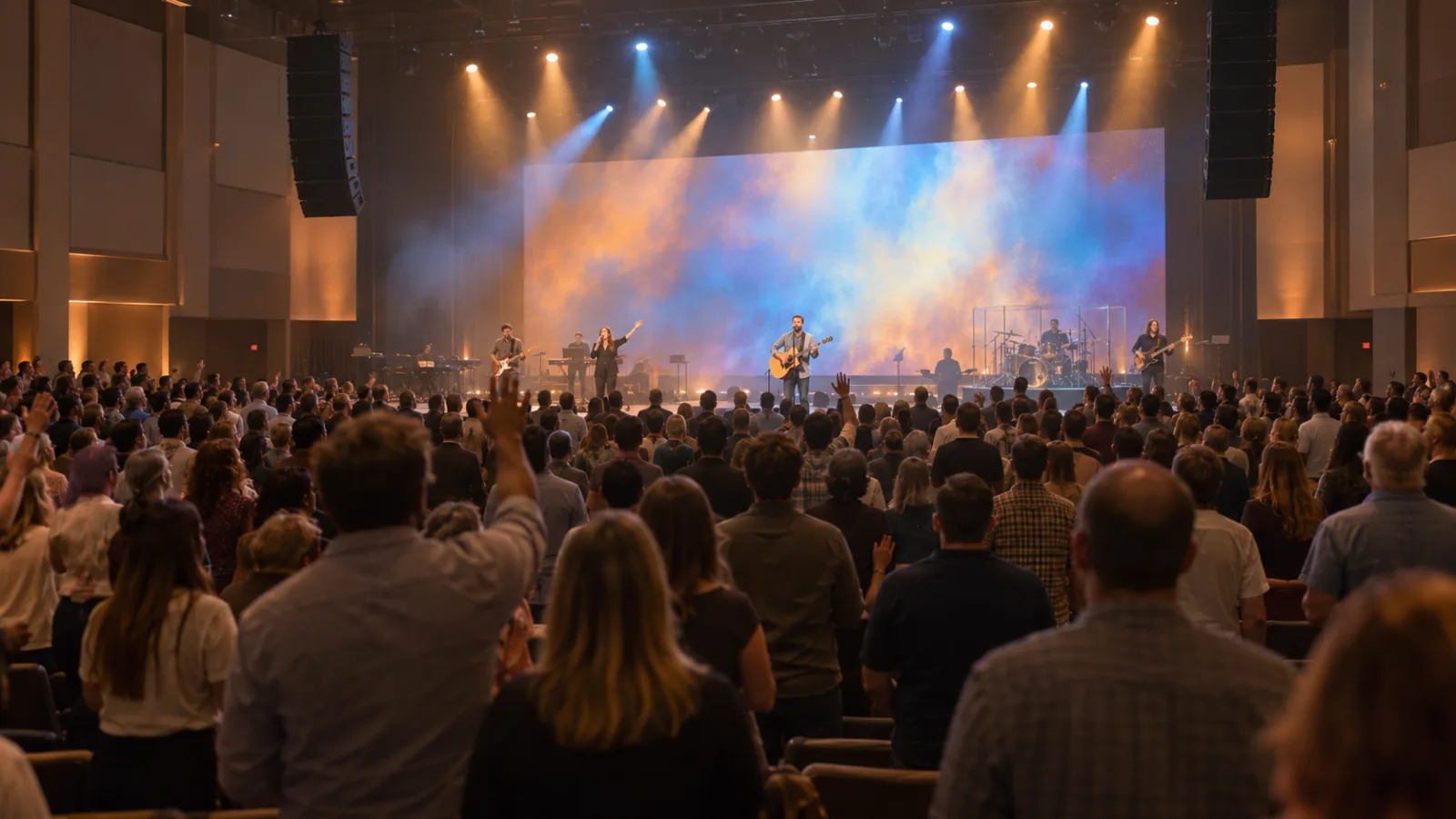
More churches now stream every service, not only for members who cannot attend but as a front door for people looking for a church. A good stream does not need a TV studio. It needs the right few pieces, set up so one volunteer can run it every week. Here is how we approach church live streaming setups.
The five parts of a church streaming system
- Cameras to capture the stage and pulpit.
- A video switcher to choose between cameras, slides and lyrics.
- A dedicated audio mix so the stream sounds as good as the room.
- An encoder that sends the program to YouTube, Facebook or your church app.
- Internet with enough upload speed to keep the stream steady.
Cameras
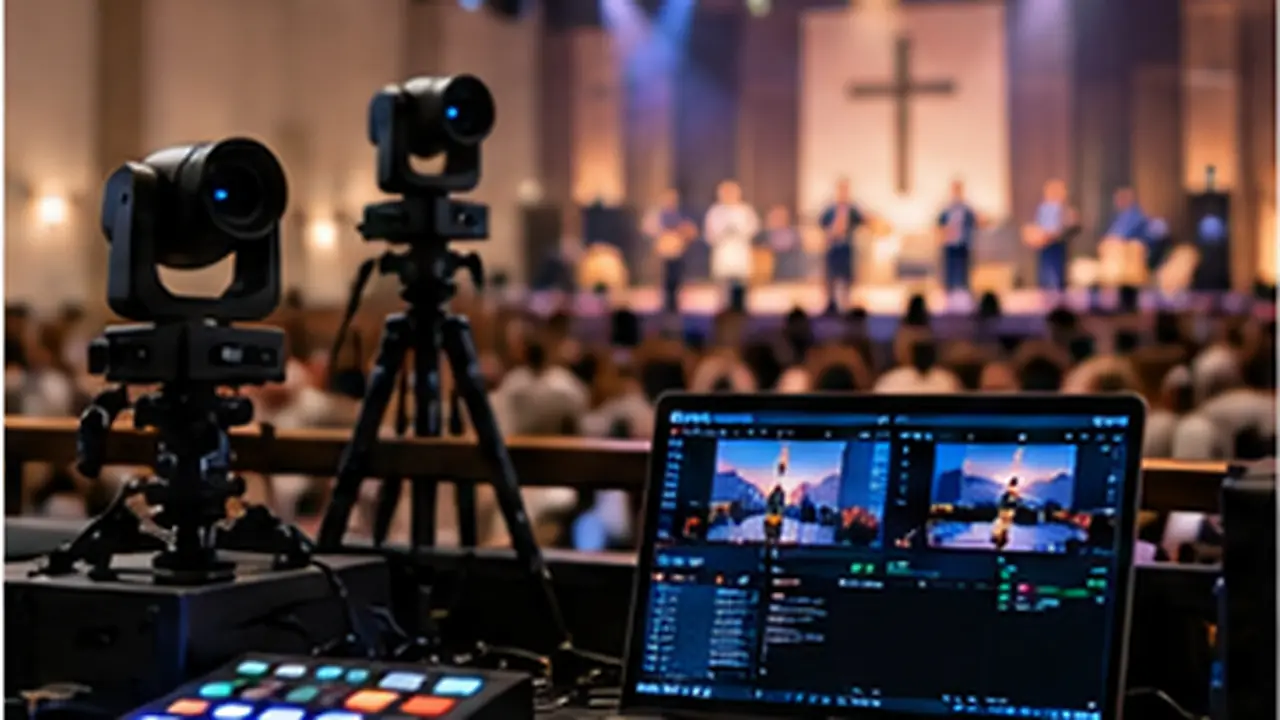
Most churches start with one wide camera and add one or two PTZ (pan-tilt-zoom) cameras for close-ups of the pastor and worship team. PTZ cameras can be mounted on a wall or balcony and recall preset shots at the touch of a button, so one volunteer can cover the whole service. Place cameras where they will not block anyone’s view and where the pastor faces them naturally.
Switching, slides and lyrics
A video switcher combines your cameras with slides, lyrics and scripture from presentation software such as ProPresenter. The same graphics can drive your sanctuary screens and the stream. If you have an LED wall, the switcher can also send camera close-ups to it for larger rooms.
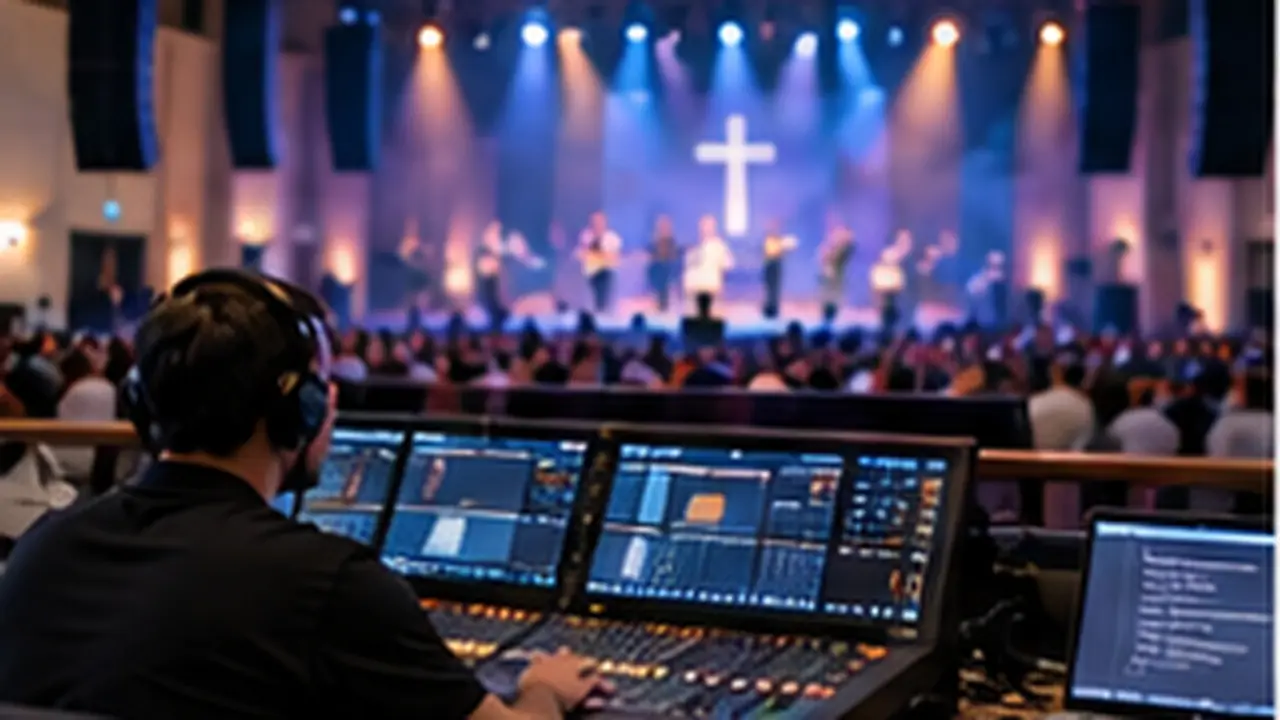
Audio: the most important part
Viewers will forgive a soft camera shot. They will not stay for bad audio. The mix that sounds right in the sanctuary rarely sounds right online, because the room adds so much of the sound. A digital mixer can create a separate stream mix with its own levels, compression and room microphones, so online viewers hear the congregation singing as well as the stage. Getting this right is usually the biggest improvement we make. See our church wireless microphone guide for the microphone side.
Lighting for the camera
Cameras need more even light than the room does. Front light on the pulpit and stage, without harsh shadows, makes the biggest difference. Stage wash and color then add atmosphere without leaving faces dark. We install stage and worship lighting with simple presets for each part of the service.
Encoder and internet
A hardware encoder or streaming software sends the final program to your platforms. As a rule of thumb, a 1080p stream needs a steady upload speed of at least twice the stream bitrate, and a wired connection is far more reliable than Wi-Fi. Test at the same time of day as your service, since shared networks slow down.
Music licensing
Streaming worship songs usually requires a streaming license in addition to your regular church copyright license. Check with your licensing provider before you go live.
Make it easy for volunteers
The best streaming systems are built around the people who run them: one-touch presets for cameras, lighting and audio, a clear booth layout and a short checklist for every service. At the Sri Sathya Sai Center in Riverside we built a dedicated broadcast control room so programs can be streamed and shared with breakout rooms at the press of a few buttons.
Getting started
If you are starting from scratch, begin with good audio, one or two cameras and reliable internet, then add cameras and graphics as your team grows. We design and install streaming systems as part of our church AV integration, and we are happy to look at your room and suggest a setup that fits your budget.