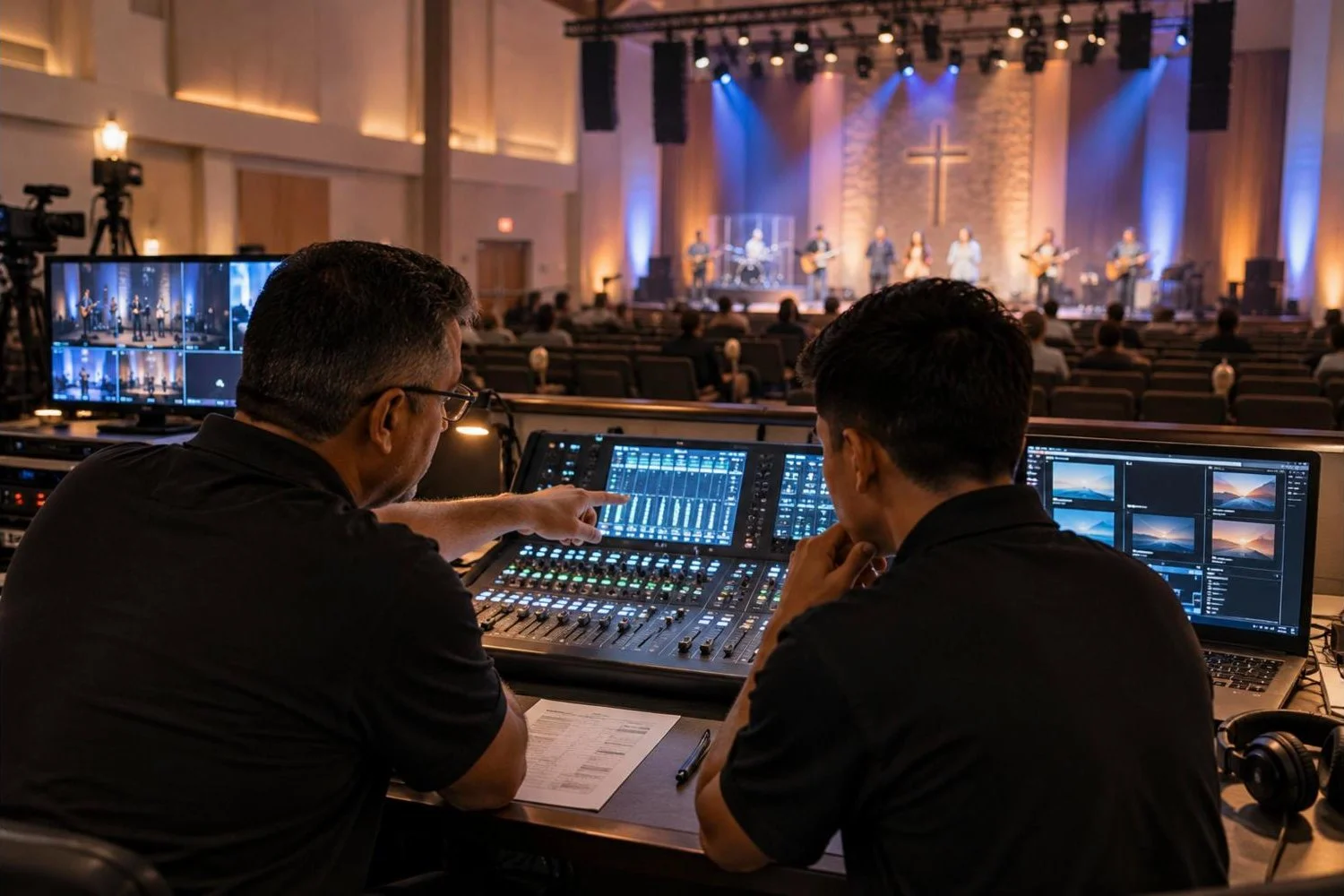
Most church production teams run on volunteers. The same people who mix sound, run lyrics and switch cameras on Sunday also have jobs, families and busy weeks. A great AV system can still give a bad Sunday if the team does not know how to use it, and a modest system can sound and look excellent with a well-trained, confident team.
Here is a practical approach to building and training a church AV volunteer team, based on what we see work when we hand systems over to churches.
Table of Contents
ToggleDefine the roles first
Volunteers do better when they know exactly what their job is. Typical roles for a Sunday service:
| Role | Main job | Good fit for |
|---|---|---|
| Audio (front of house) | Mix the band and speakers in the room | Musicians, careful listeners |
| Lyrics / presentation | Run song lyrics, sermon slides and announcements | New volunteers, detail-oriented people |
| Lighting | Recall looks for each part of the service | Volunteers comfortable with simple controls |
| Camera operator | Frame shots for IMAG and the livestream | Photographers, steady hands |
| Video director / switcher | Choose shots, run the stream | Experienced volunteers |
| Stream / online host | Watch the stream, chat with online viewers | People who enjoy hospitality |
| Tech lead | Runs rehearsal, solves problems, owns the checklist | A staff member or senior volunteer |
Smaller churches combine roles; one person might run lyrics and lighting. The point is to write down who is responsible for what, so nothing falls through the gaps.
Build a training path, not a single training day
One long training session is quickly forgotten. A simple progression works better:
- Shadow. The new volunteer sits next to an experienced operator for two or three services and asks questions.
- Assist. They run part of the role (for example, lyrics during worship) while the experienced operator watches and helps.
- Run with backup. They run the full role with someone nearby.
- Run solo. Once they are confident, they go on the schedule on their own, and later train the next person.
Keep a short checklist of skills for each role and tick them off as the volunteer learns them. It makes progress visible and keeps training consistent no matter who is teaching.
Make the system easy to run
Training is only half the job. The other half is setting the system up so a volunteer can succeed. When we commission a church system, we aim for these:
- Saved scenes and presets. The audio console has a starting scene for a normal Sunday, with input names, gain and basic EQ already set. Lighting has a saved look for each part of the service. The video switcher has the usual camera shots and graphics ready.
- Clear labels. Every input, output, wall plate and button is labeled in plain words, such as “Pastor headset” and “Lyrics to lobby TV”, not channel numbers.
- Locked settings. Settings that should never change on a Sunday, such as speaker processing and system EQ, are locked or kept out of reach.
- One-page quick guides. Laminated sheets at each station: how to power on, how to recall the Sunday scene, what to do if there is no sound or the stream drops.
Use checklists every week
Pilots use checklists because memory fails under pressure. A Sunday AV checklist might include:
- Power on in the right order (amplifiers and powered speakers last).
- Fresh batteries in every wireless microphone and in-ear pack.
- Line check: every microphone and instrument, one at a time.
- Lyrics and sermon slides loaded and checked against the run sheet.
- Cameras white-balanced and framed; stream test sent to a private link.
- Lighting looks checked; house lights working.
- After service: power down in reverse order, charge batteries, note any issues for the tech lead.
Keep the checklist on paper or a tablet at the booth, and have the tech lead sign it off before doors open.
Rehearse with the band
Sound check and run-through are training time as much as preparation. Encourage operators to follow the run sheet during rehearsal: practice lyric timing, recall lighting looks for each song and try camera shots. Most Sunday mistakes happen on transitions, such as the end of worship, the start of the message or the response time, so rehearse those specifically.
Keep volunteers coming back
- Schedule fairly. A rotation of every second or third week prevents burnout. Use a scheduling tool so swaps are easy.
- Debrief kindly. A short huddle after service: what went well, what to fix next week. Focus on the system and the process, not on blaming people.
- Celebrate wins. Thank the team publicly. Production volunteers are usually invisible until something goes wrong.
- Invest in them. Training nights, a visit to a larger church’s production team or an online course show volunteers they are valued.
When to bring in outside help
Volunteer frustration is often a system problem, not a people problem. If your team is fighting feedback every week, cannot get the pastor’s microphone loud enough, or the stream drops regularly, the cause may be the design or setup of the system. An outside review can find issues such as poor speaker coverage, gain-structure problems or network bottlenecks that no amount of training will fix.
How Unity Logics helps church teams
Every church system we install includes setup for volunteers: saved scenes and presets, clear labels, quick-reference guides and hands-on training for your team. We also help churches review existing systems and fix the issues that make Sunday harder than it should be.
See our church AV installation services, or read our guides on church sound system design and wireless microphones for churches.
Frequently asked questions
How many AV volunteers does a church need?
A typical Sunday needs two to five people, depending on whether you stream and use cameras. Plan for at least two or three trained people for each role so nobody has to serve every week.
How long does it take to train a sound volunteer?
Basic operation with a well-set-up console can be learned in a few weeks of shadowing and assisted services. Mixing a full band well takes longer, often several months of regular practice.
Should we use digital or analog mixers for volunteers?
Digital consoles are usually easier for volunteer teams because the Sunday setup can be saved as a scene and recalled each week, and settings can be locked so they are not changed by accident.